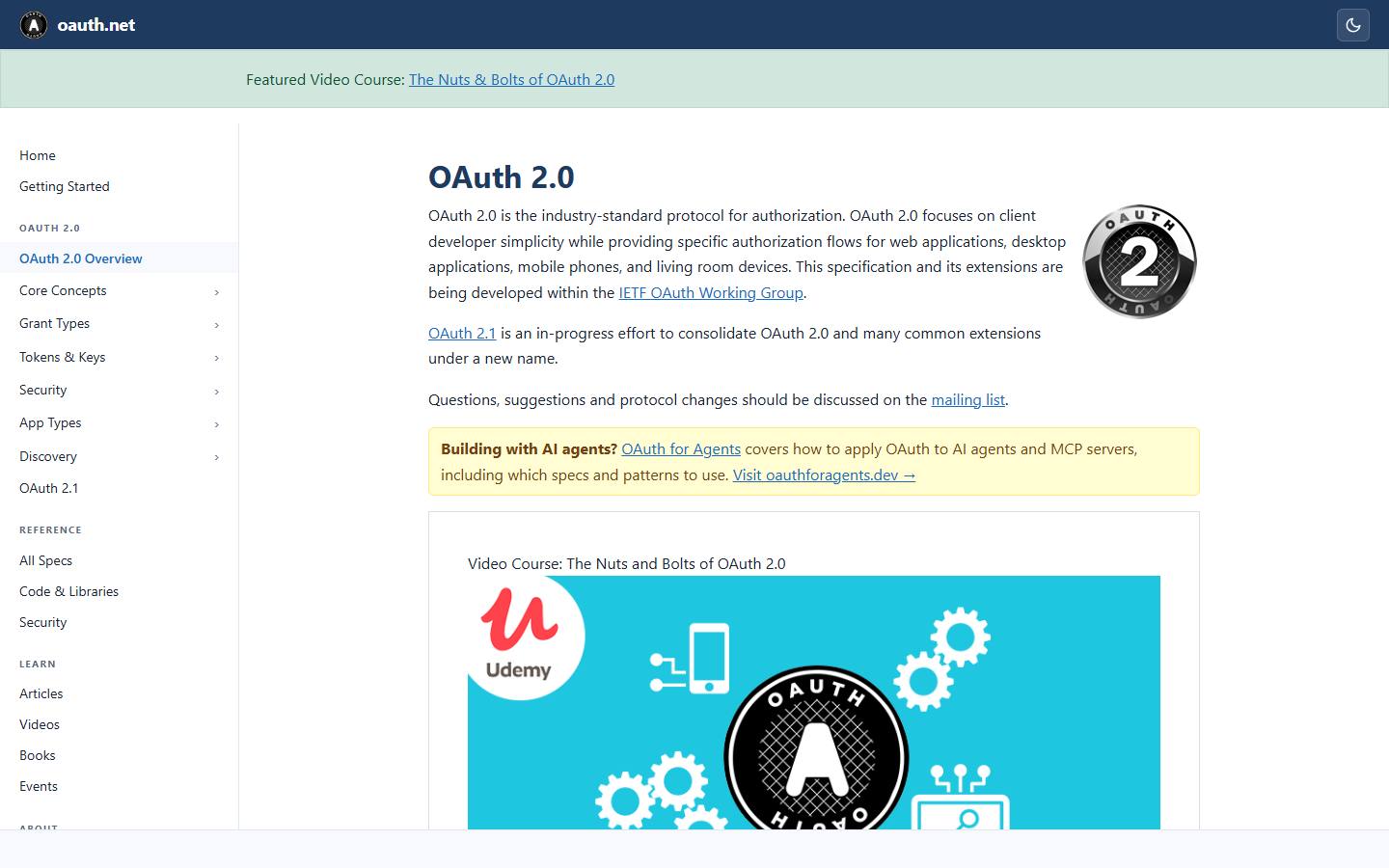
OAuth 2.0 nghe phức tạp nhưng nguyên tắc rất đơn giản - giống như anh đưa chìa khoá phụ cho dịch vụ giao xe: họ vào được xe nhưng không có quyền sửa hợp đồng mua xe của anh. Bài này giải thích OAuth 2.0 từ đầu, kèm code Node.js implement.
OAuth vs Authentication - đừng nhầm
OAuth 2.0 KHÔNG phải authentication. Nó là authorization framework - cấp token để truy cập resource thay mặt user.
- Authentication: "Bạn là ai?" -> user login
- Authorization: "Bạn được phép làm gì?" -> token + scope
Khi anh thấy "Login with Google" - đó là OpenID Connect (OIDC), build trên OAuth thêm id_token để xác thực. Câu trả lời ngắn: OAuth = quyền, OIDC = OAuth + xác thực.
4 vai trò trong OAuth
- Resource Owner: user (anh). Sở hữu data.
- Client: app muốn truy cập data (e.g. Strava muốn đọc Google Fit).
- Authorization Server: cấp token (Google OAuth server).
- Resource Server: nắm data (Google Fit API).
4 grant type chính
1. Authorization Code (web app, mobile)
Phổ biến nhất. Flow:
text1. User click "Login with Google" trên app Alodev
2. Alodev redirect → Google: /authorize?client_id=xxx&redirect_uri=...&scope=email+profile&state=abc
3. User login Google, đồng ý cấp quyền
4. Google redirect về Alodev: /callback?code=AUTH_CODE&state=abc
5. Alodev backend gửi code + client_secret → Google: POST /token
6. Google trả: { access_token, refresh_token, id_token, expires_in }
7. Alodev dùng access_token gọi Google API thay user
Tại sao 2 bước (code -> token) thay vì cấp token thẳng? Vì code public (qua URL), token thì không. Bước trao đổi code -> token diễn ra server-to-server với client_secret.
2. Authorization Code + PKCE (chuẩn 2026)
Mobile/SPA không giữ được client_secret (decompile app là thấy). PKCE (RFC 7636) thay client_secret bằng cặp code_verifier/code_challenge sinh ngẫu nhiên mỗi flow:
javascriptimport { randomBytes, createHash } from 'node:crypto'

// Step 1: client sinh code_verifier (43-128 char ngẫu nhiên)
const codeVerifier = randomBytes(32).toString('base64url')

// Step 2: SHA256 → base64url → code_challenge
const codeChallenge = createHash('sha256').update(codeVerifier).digest('base64url')

// Step 3: redirect tới /authorize với code_challenge
const authUrl = `https://accounts.google.com/o/oauth2/v2/auth
  ?client_id=${CLIENT_ID}
  &redirect_uri=${REDIRECT_URI}
  &response_type=code
  &scope=email+profile
  &state=${state}
  &code_challenge=${codeChallenge}
  &code_challenge_method=S256`

// Step 4: callback nhận code, exchange với code_verifier
const tokenRes = await fetch('https://oauth2.googleapis.com/token', {
  method: 'POST',
  headers: { 'Content-Type': 'application/x-www-form-urlencoded' },
  body: new URLSearchParams({
    client_id: CLIENT_ID,
    code,
    redirect_uri: REDIRECT_URI,
    grant_type: 'authorization_code',
    code_verifier: codeVerifier,  // ← chứng minh client là chủ flow
  }),
})
Server xác thực SHA256(code_verifier) === code_challenge. Attacker chặn được code cũng vô dụng vì không có code_verifier.
3. Client credentials (service-to-service)
Không có user. Service A gọi service B với token đại diện cho chính nó.
javascript// Cron job lấy token để gọi internal API
const tokenRes = await fetch('https://auth.internal/token', {
  method: 'POST',
  body: new URLSearchParams({
    grant_type: 'client_credentials',
    client_id: SERVICE_A_ID,
    client_secret: SERVICE_A_SECRET,
    scope: 'orders:read users:read',
  }),
})
// → access_token, không có refresh_token
// Khi hết hạn, request lại với client_credentials
4. Refresh Token
Access token hết hạn -> dùng refresh token đổi access mới mà không cần user login lại:
javascriptconst newToken = await fetch('https://oauth2.googleapis.com/token', {
  method: 'POST',
  body: new URLSearchParams({
    grant_type: 'refresh_token',
    refresh_token: storedRefreshToken,
    client_id: CLIENT_ID,
    client_secret: CLIENT_SECRET, // server-side mới có
  }),
}).then(r => r.json())
// → { access_token: "...", expires_in: 3600 }
Một số provider rotate refresh token mỗi lần dùng (Google làm khi user thu hồi quyền). Code phải handle case server trả refresh_token mới.
Scope: nguyên tắc least privilege
Scope giới hạn phạm vi quyền của token. Xin càng ít càng tốt:
textGoogle scope examples:
✓ openid email profile               - chỉ cần biết user là ai
✓ https://www.googleapis.com/auth/calendar.readonly - chỉ đọc calendar
✗ https://www.googleapis.com/auth/calendar - đọc + ghi (xin nhiều hơn cần)
User thấy app xin nhiều scope sẽ ngại approve. Xin đúng cái cần dùng tăng tỷ lệ consent + giảm rủi ro nếu app bị compromise.
State parameter chống CSRF
Bắt buộc gửi state ngẫu nhiên trong /authorize và verify khi callback. Nếu không có, attacker có thể chèn auth code của họ để chiếm tài khoản victim trong app:
javascript// Pre-redirect: lưu state vào session
req.session.oauthState = randomBytes(16).toString('hex')
res.redirect(`https://.../authorize?...&state=${req.session.oauthState}`)

// Callback: verify
app.get('/callback', (req, res) => {
  if (req.query.state !== req.session.oauthState) {
    return res.status(400).send('Invalid state')
  }
  // ... exchange code → token
})
OpenID Connect - khi cần authentication
OAuth thuần không nói "user là ai". OIDC thêm scope=openid + id_token (JWT chứa user info):
javascript// scope: 'openid email profile'
const idToken = tokens.id_token  // JWT
const payload = jwt.verify(idToken, googlePublicKeys, { algorithms: ['RS256'] })
// payload = { sub: 'google-uid', email: '...', email_verified: true, name: '...', picture: '...' }

await db.users.upsertByGoogleId(payload.sub, payload.email, payload.name)
Khi anh "Login with Google", đây là flow thực sự diễn ra. Tham khảo JWT authentication để hiểu sâu cách verify id_token.
3 pitfall thường gặp
- Quên verify state -> CSRF attack
- Lưu refresh token plaintext trong DB -> DB leak = account takeover. Encrypt at-rest.
- Dùng implicit flow (response_type=token) -> deprecated. Luôn authorization code + PKCE.
Kết luận
OAuth 2.0 là tool delegate quyền chuẩn ngành. Hiểu đúng grant type giúp anh implement social login, third-party integration, internal microservice auth bài bản. Khi dự án mới: dùng authorization code + PKCE cho user-facing, client credentials cho service-to-service, và đừng quên rotate refresh token (chi tiết ở bài JWT).